 MDWebView
Your web-based WMS on barcode scanners
Do you have a warehouse system with a web interface and Android scanners from different manufacturers? MDWebView Enterprise opens only your WMS on them, passes the scanned barcodes to it and keeps workers out of other apps.
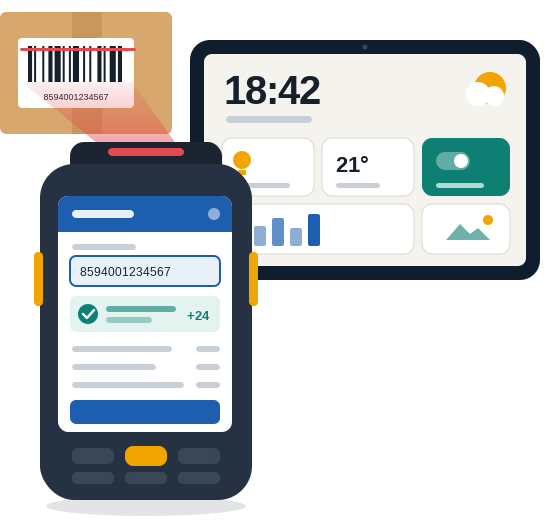
Scanners from different manufacturers in one app
The barcode is written into the focused field, optionally followed by Enter. Your WMS does not need to know which device it runs on. In the app you only pick the scanner manufacturer.
| Manufacturer | What to set on the device |
|---|---|
| Zebra | Nothing. The app creates its own MDWebView profile in DataWedge. |
| Honeywell | Scanner output set to Data Intent. |
| Datalogic | Intent Wedge enabled with the default action. |
| Newland | Output set to Broadcast. |
| Urovo | Output set to Intent. |
| Other | Custom action and extra name in the app settings. |
For WMS developers
If you need more than text in a field, the page gets an mdwebview:scan event with the value and the symbology. Through the window.MDWebView object your web app can also:
- start a camera scan on devices without a scanner
- send a ZPL, EPL or ESC/POS label to a network printer
- beep or vibrate after a successful scan
- read the device model, app version and battery level
These functions are available only to pages from addresses you allow.
Shared scanners across shifts
The device is locked to your WMS and only an administrator with a PIN can open the settings. After a set idle time the app returns to the start page and can sign the user out. It restarts itself after a crash and reloads the page as soon as a lost Wi-Fi connection comes back.
Rolling out to dozens of devices
With an MDM, send the start URL, scanner type and other options as a managed configuration that users cannot change. Without one, set up a single device and copy its configuration to the others with a password-protected file or a QR code.
Warehouses without internet
The scanners only need a connection to the WMS server on your network. Settings and hardware scanning work with no internet connection.
Chemical distributor: SAP on about 300 Zebra scanners
At a chemical distributor's warehouse, MDWebView Enterprise runs on about 300 Zebra MC9400 mobile computers, and the warehouse staff use it to work in SAP.
Frequently asked questions
Do we have to change our WMS?
Usually not. If your WMS expects the barcode as text in a field, it works as is. You only need changes to use the events or the JavaScript API.
Does it work on a phone without a scanner?
Yes, the barcode can then be scanned with the camera. The web app starts the scan with window.MDWebView.scanBarcode().
Which Android version is required?
Android 8.0 or later. Older Windows CE or Windows Mobile devices are not supported.
How much is a licence?
The price depends on the number of devices. Tell us how many scanners you have and from which manufacturer, and we will send a quote.
Can we try Enterprise before buying?
Yes. On request we send a 30-day trial. Tell us which devices and which system you want to test it with.
Tell us about your warehouse
How many devices, which models and which system they should run. We will reply with a quote and a rollout plan.